

Organizations
An organization is a club or a team. It holds people, and it holds the events they run — an event belongs to at most one organization, which is what puts a club’s name on it and lets the club’s roles reach it without granting anyone access event by event.
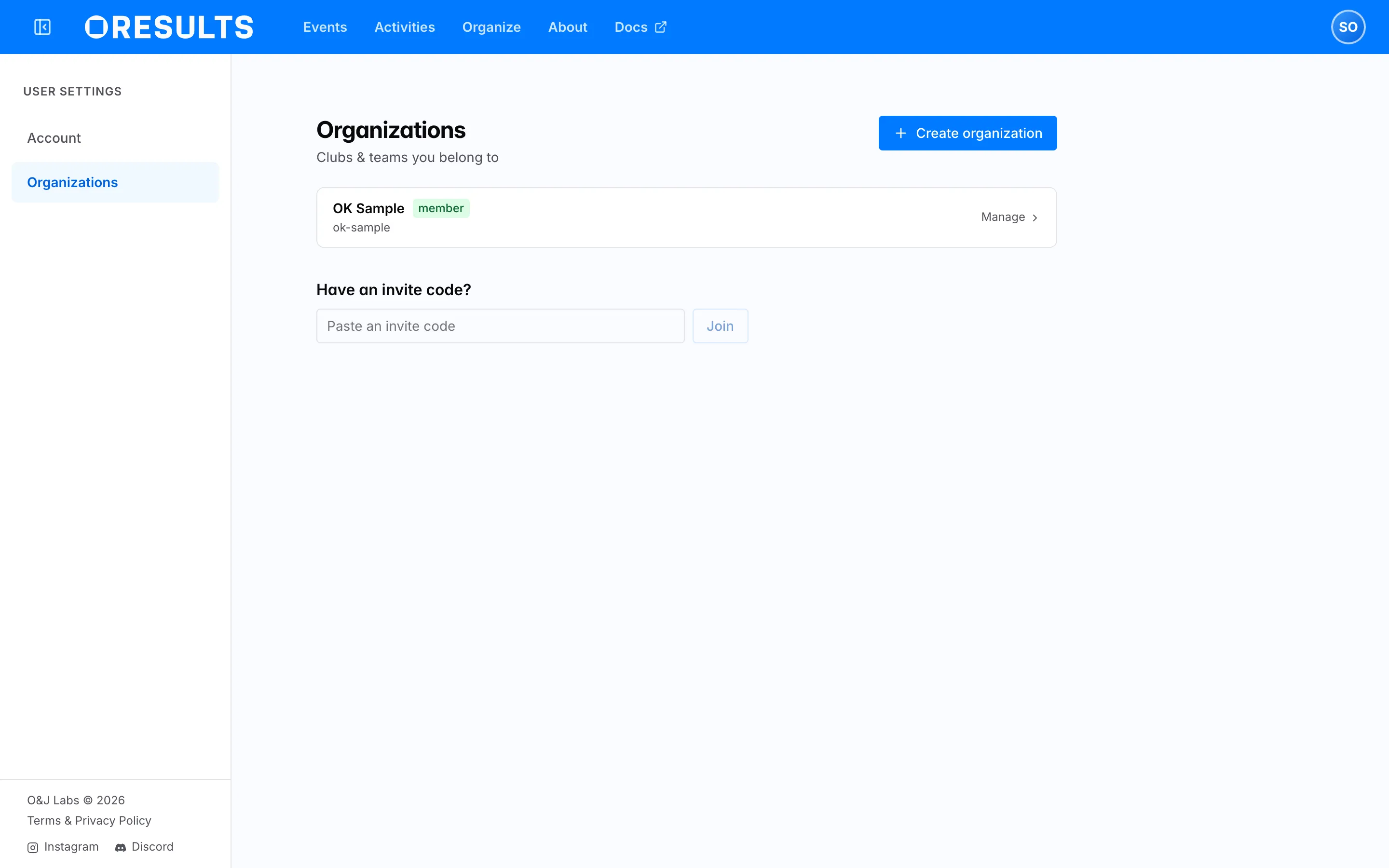
Organizations under Settings is “Clubs & teams you belong to”. Each row shows the organization’s name, its slug, and whether you are a member or a follower; the ones you help run also offer Manage.
Following an organization is not membership. A follower has said they want to see the club’s events — the Filter by org control on the event list uses it, and Following an event covers that side. A member belongs to the club and can be given roles across its events.
Creating one
Section titled “Creating one”Create organization asks for a Name and a Slug. The slug is the short, lowercase, hyphenated form of the name used in links; the dialog refuses one that is malformed and will not let you continue until it is right.
Joining one
Section titled “Joining one”Both ways in need an invitation from someone who already manages the organization: paste a code into Have an invite code? at the foot of the Organizations page and choose Join, or open an invite link, which does it in one step.
A link that has been revoked, or whose expiry has passed, says so instead of joining you to anything. Ask whoever sent it for a fresh one.
Members
Section titled “Members”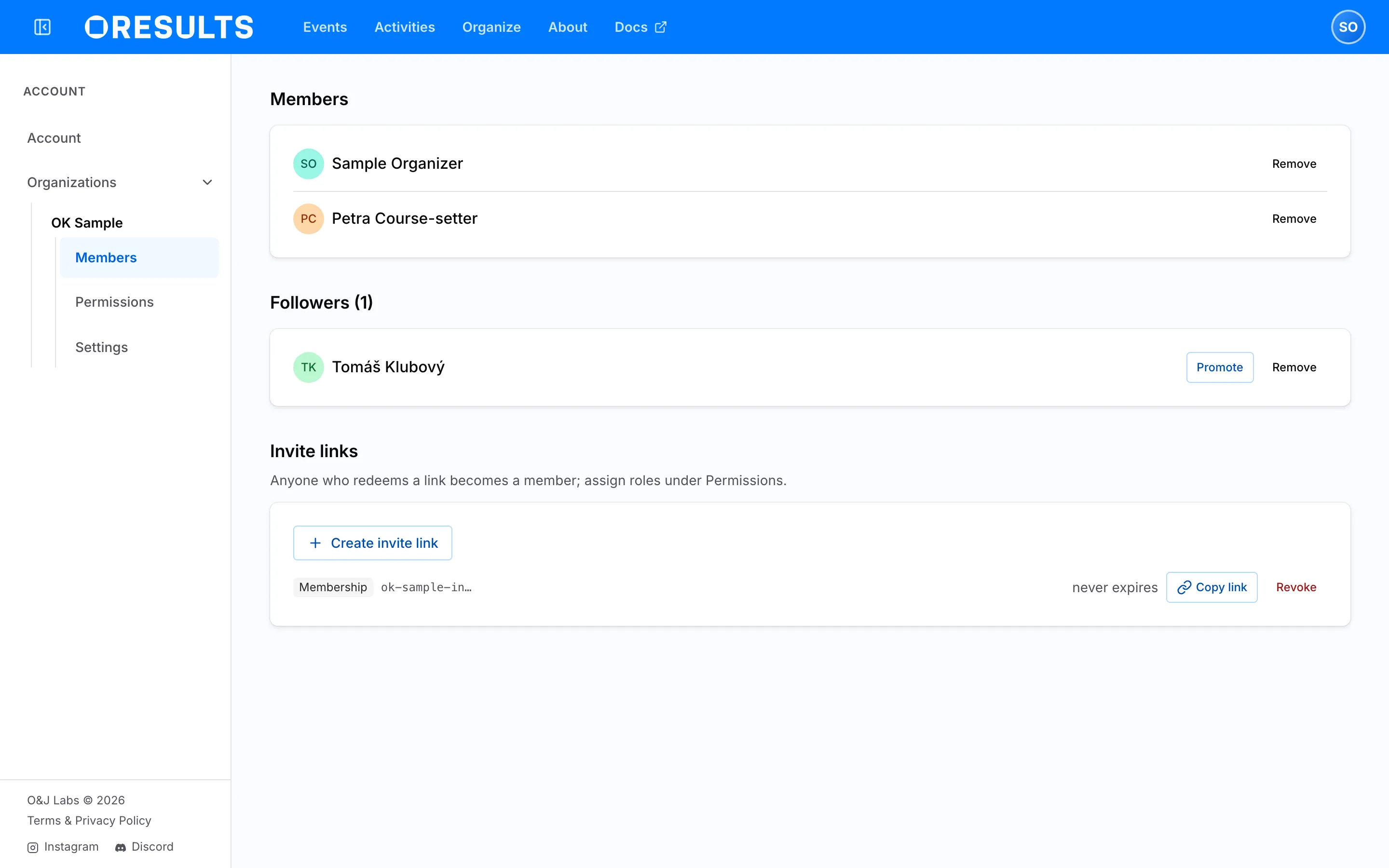
Members lists everyone who belongs, and — for the people who manage the organization — Followers separately, with Promote to turn a follower into a member and Remove to drop either.
Invite links sits below the roster. Create one, hand it out, and Revoke it when it has done its job; you can give a link an expiry when you make it. Anyone who redeems a link becomes a member, and roles are assigned separately under Permissions.
Permissions
Section titled “Permissions”Permissions holds the Global permissions the organization grants: “Roles that apply to a person across every event this club runs.” That is the point of having a club rather than inviting the same people to each event.
Access to a single event, for someone outside the club or for one event only, is granted on the event itself — see Set up an event.
Settings
Section titled “Settings”Settings renames the organization, and holds the two ways out. Leave organization removes you and nobody else. Deleting the organization is permanent and confirms first, and it costs more than the club record: Events detach and their shared links stop working. This cannot be undone. The events survive, but every role the club granted across them is gone with it.