

Your account
Reading results and following an event need no account. Everything you own does: organizing an event, uploading a GPS track, joining a club.
Registering
Section titled “Registering”Register asks for a Name, an Email address and a Password. The name is what appears beside you in an organization’s roster and on the events you are given access to, so use the one your club would recognize.
Continue with Google creates the same account without a password.
Signing in
Section titled “Signing in”Login takes the Email address and Password you registered with, or Continue with Google if that is how you signed up. OResults keeps you signed in on that browser until you sign out.
Resetting a password
Section titled “Resetting a password”Reset password, under the sign-in form, sends a reset link to the address you registered with. The link opens a page where you set a new password.
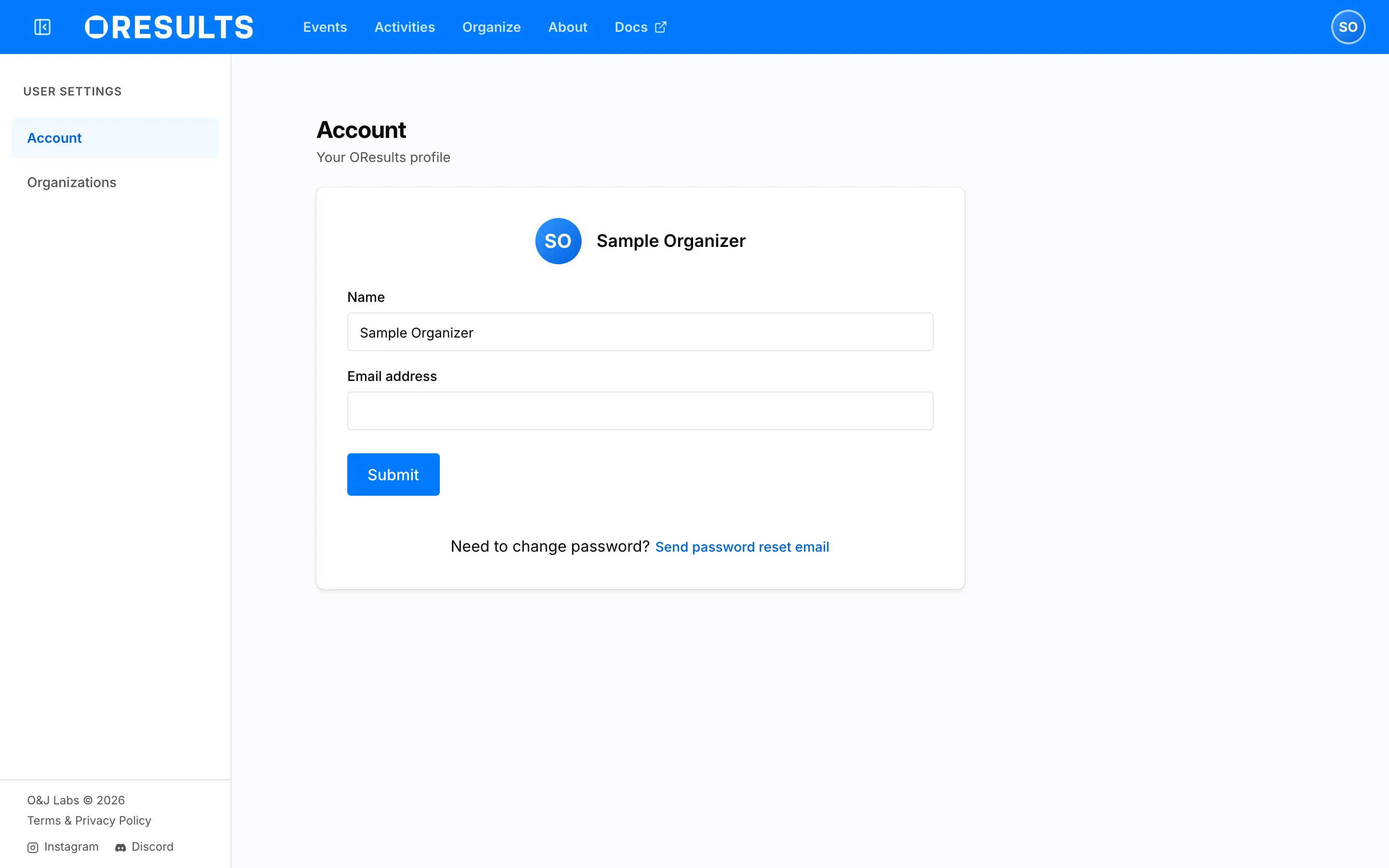
You can also send that email to yourself while signed in: Send password reset email at the foot of the Account page. Nothing on the page changes when you use it — the mail goes out and a confirmation appears at the corner of the screen.
The Account page
Section titled “The Account page”Account under Settings is “Your OResults profile”: your Name and Email address, and Submit to save a change. Both take effect immediately.
A profile can only be edited by the person it belongs to. Opening someone else’s shows the note Profiles can only be edited by their owner. and nothing else — neither a form nor their details.